
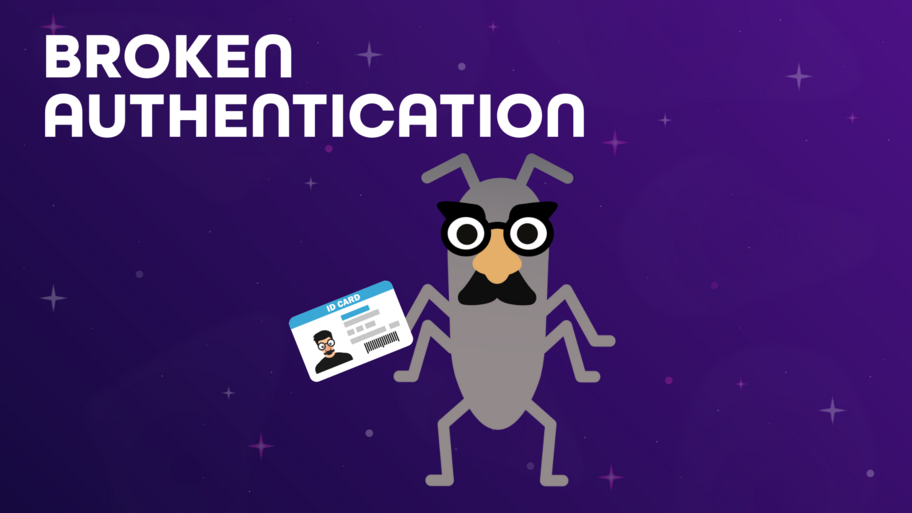

Broken Authentication means that a web application’s login system or session management is flawed, letting attackers bypass authentication and gain unauthorized access to sensitive accounts—sometimes even administrative ones. Attackers exploit these issues through methods like stolen or weak credentials, brute-force attacks, or hijacking session identifiers. [1][2] Problem Areas
Credential Management: Weak or default passwords, poor password storage (no hashing/salting), or flaws in password recovery make it easier for attackers to steal or guess passwords.
Session Management: Vulnerabilities in how sessions are created, tracked, or terminated can lead to session hijacking—where attackers impersonate users by stealing session IDs, often through poorly protected browser cookies or unexpired sessions. [3]
Tips for Testers
Test for Common Weaknesses
Try default and weak passwords (“password”, “admin”, “123456”, etc.) and check the application’s password policies.
Attempt brute-force and credential stuffing attacks (within allowed scope) to verify protections.
Check Session Management
Confirm that session tokens are not leaked in URLs and are changed after login.
Validate session termination: users should be logged out everywhere after logging out or timing out.
Explore Forgot-Password and Recovery Flows
Test for predictable, non-expiring, or re-usable reset tokens.
Check for error messages or flow differences that might leak whether an account exists.
What New Security Testers Should Know Broken authentication is one of the most impactful vulnerabilities, often leading to data breaches or account takeovers—even on major platforms. Sources (Thanks to Perplexety AI for supporting the search [4]):
Port Swigger (Home of BurpSuite, well know security tool)
Bright Security
OWASP API2:2023 Broken Authentication
Prompt

With servers in >250 cities around the world, check your site for localization problems, broken GDPR banners, etc.

Manage your entire QA lifecycle in one place. Sync Jira, automate scripts, and use AI to accelerate your testing.
Run only tests impacted by code changes. Get feedback faster.

Your test cases are the context AI agents are missing. See how the Testmo MCP connects them in this free webinar.
