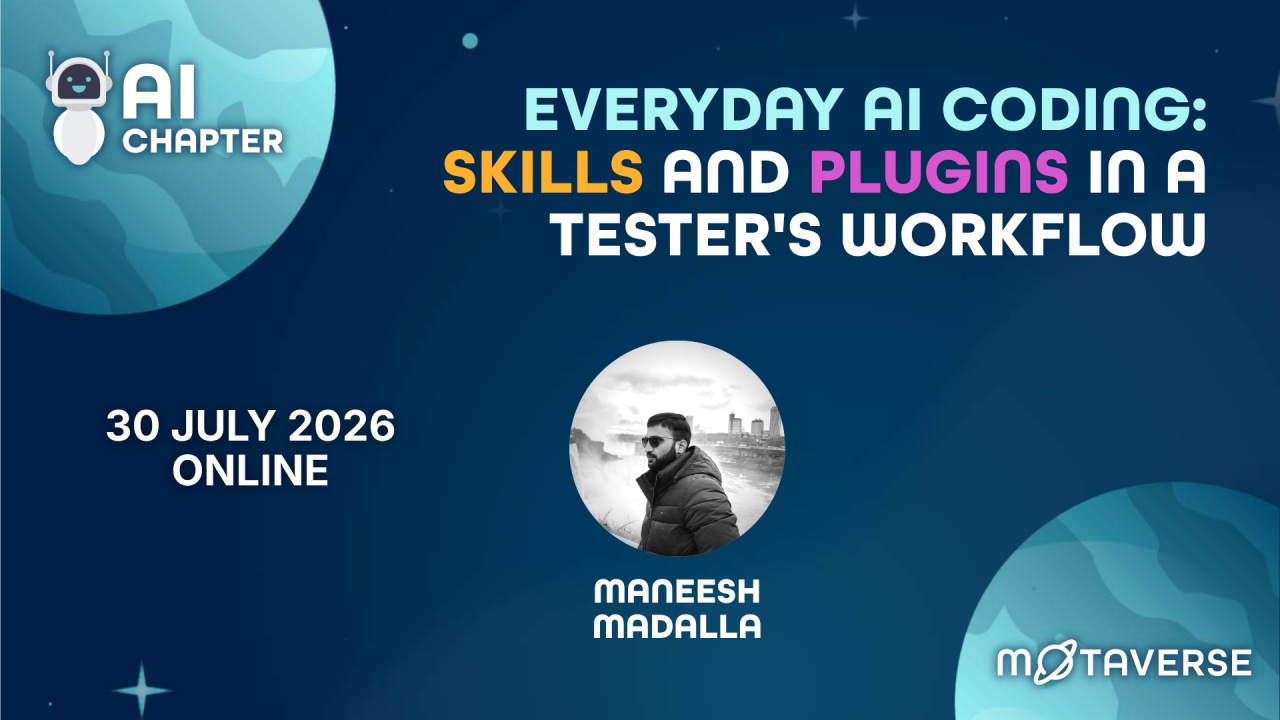
Everyday AI coding: skills & plugins in a tester's workflow


31 Jul 2026
-
Locked
Most of us use AI coding tools the same way. Open the chat, ask for a snippet, copy it, paste it, move on.
That works. But it's the shallow end.
Skills and plugins are how your AI coding tool starts doing repeatable work inside your day. A Skill is a capability you set up once and reuse. A plugin bundles Skills and tools into something you can install and share with your team.
Think of it like your test tooling. You don't rebuild your setup every morning. You configure it once, and it's there when you need it. Skills and plugins do that for the AI parts of your work.
In this session, we cover:
- What Skills and plugins actually are, in plain language
- Where they fit in a normal testing day: bug reports, test data, exploring a new feature, reading logs
- How to start with one small thing this week, without a heavy setup
Resources
- https://github.com/getagentseal/codeburn
- https://github.com/thedotmack/claude-mem
- https://github.com/vercel-labs/skills/blob/main/skills/find-skills/SKILL.md
- https://github.com/Graphify-Labs/graphify
- https://github.com/DietrichGebert/ponytail
- https://github.com/obra/superpowers
- https://github.com/mattpocock/skills/tree/main/skills/productivity/grill-me
- https://skills.md/#skills
- https://www.skills.sh/
- https://github.com/Quality-Max/free-qa-skills
Take this 7-question assessment to see where your QA team stands and get a plan for what to automate next.
Explore MoT
Tue, 19 Jan 2027
Register today to guarantee your spot!
Boost your career in software testing with the MoT Software Testing Essentials Certificate. Learn essential skills, from basic testing techniques to advanced risk analysis, crafted by industry experts.
Debrief the week in Quality via a community radio show hosted by Simon Tomes and members of the community

Comments