
Exploratory Testing with Teams Facilitator
09 Oct 2026
In this moment:
AI Chapter
Exploratory Testing Chapter
This week I noticed I had access to Facilitator in Microsoft Teams, an AI agent that takes real-time notes. When it's enabled, you can ask it questions both during and after the meeting, and it answers based on what's been said in the call or posted in the meeting chat.
I parachuted into a project yesterday to do a round of exploratory testing in production on a system that had just gone live for the first time, to verify the integration points. I was going to use Teams for screen recording anyway, and then I had the idea of using Facilitator to write my notes.
How did I do it?
The rough steps were:
- I set up a Teams meeting with only me invited and enabled recording, transcription and Facilitator.
- I gave Facilitator my exploratory testing template and asked it to produce notes in that format when the meeting ended.
- When I joined, I started off by reading through the template and explaining what I wanted in each section.
- Then I started testing, narrating what I was doing throughout. This part felt ridiculous.
- Whenever I found or produced anything notable, I shared screenshots or links in the chat.
- When I finished, Facilitator generated the notes in the provided format.
How did it go?
Very well! Not having to take notes manually saved a lot of time and left more time for exploring.
My template uses PQIP (Problems, Questions, Ideas, Praise). I briefly described this at the start, and anything I wanted to flag to the team I said out loud, e.g. "Facilitator, make sure you note this as a problem." It also did a great job of picking out points for each section when I didn't spell them out.
The one thing I lost was a record of where I was up to. I got pulled into a couple of side quests in other Teams chats. Normally I'd check the last point in my notes and carry on, but this time I think I covered some things twice. In hindsight, I should have asked Facilitator where I was up to!
I compared the notes side by side with the transcript, and it captured everything important. There were a couple of issues, though: it left out all the URLs I'd shared, and the markdown formatting wasn't right. I fed the notes to Claude afterwards to sort them out.
Overall, it was a big time saver. I'll definitely be doing this again.

Adam Foy
QA Technical Lead
He/Him
Professional nuisance. I've got a knack for finding gaps in complex system integrations, and I'm currently co-leading a QE Transformation project at work as we move towards a Quality Assistance model. Send help!
Open To
Meet at MoTaCon 2026
Mentor
Mentee
Sign in
to comment
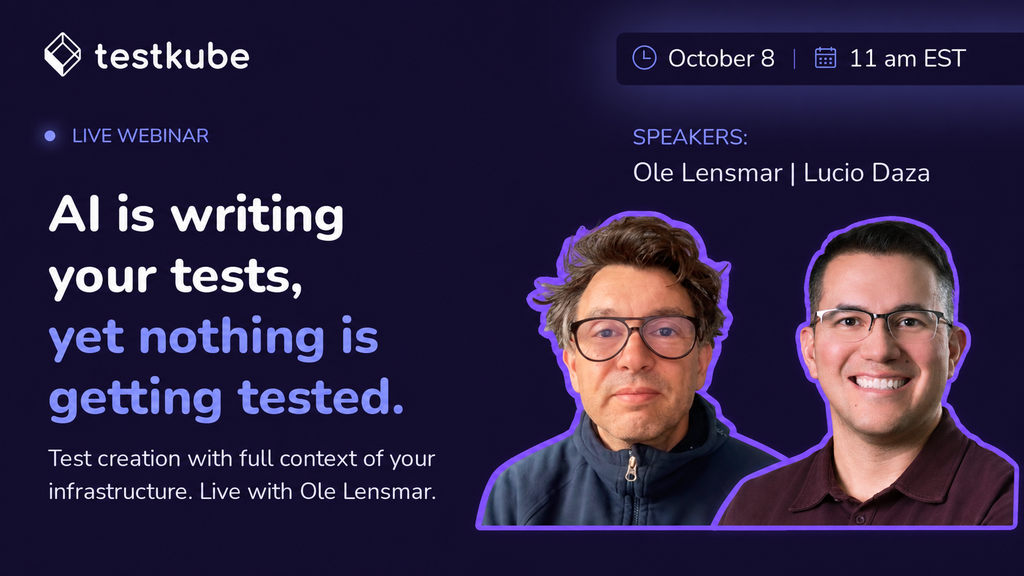
Getting tests that catch real failures is the hard part. Join us on Oct 8 and see how it's done.
Explore MoT
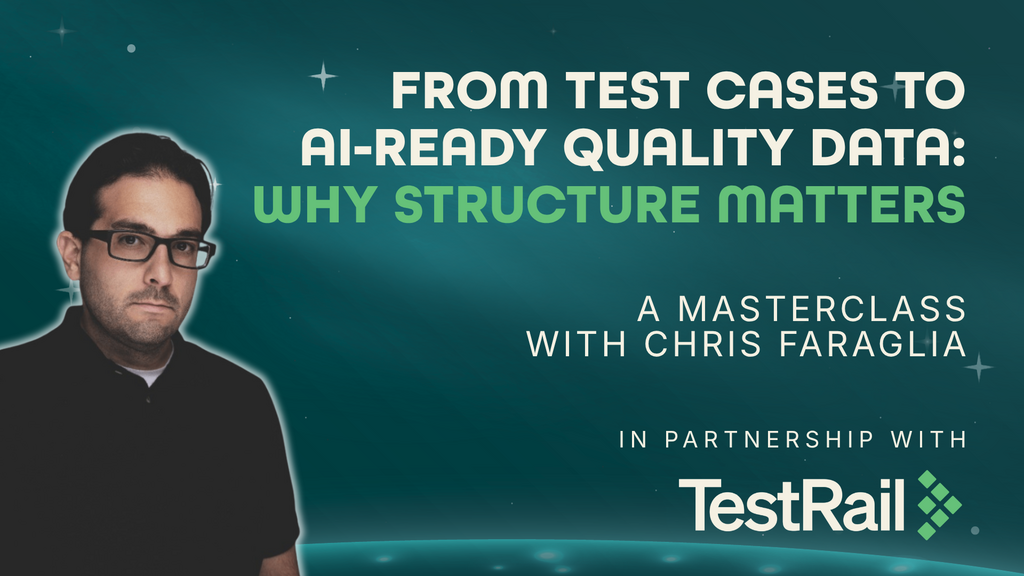
Learn how to structure and organize test management data as an AI-ready foundation that gives AI systems richer context for testing insights and workflows.
Unleash the power of generative AI to boost your software testing and day-to-day tech tasks
Debrief the week in Quality via a community radio show hosted by Simon Tomes and members of the community
