Testing meets fun: How we accidentally created the best testing icebreaker using sticky notes and a whiteboard
Dynamically connect cross-functional team roles, build trust, lower stress and naturally reinforce software testing terminology.
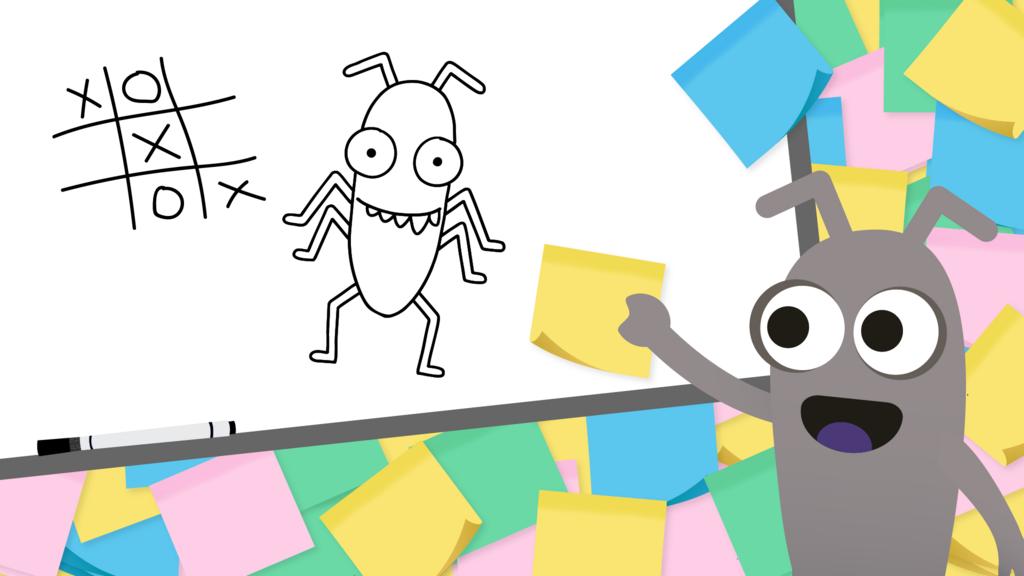
A room full of testers, developers, and project managers drew crazy lines on a whiteboard while yelling, "Loading spinner!" "Broken hamburger menu!" and "Is that legacy code?!"
This is Testionary. We mixed Pictionary with software testing words. What started as "let's try something different" at Ministry of Testing Berlin became our best meetup ever.
We still laugh about those drawings.
What you'll find in this article
If you've never played Pictionary, it's a party game where one person draws an image of a word or phrase on paper (or a whiteboard) while their teammates race against the clock to guess what it is. The drawer can't talk, write letters, or use numbers. That's it. The fun comes from terrible drawings and wild guesses. Here's a quick Pictionary overview if you want the full rules.
We kept that core idea but swapped the words. Instead of regular Pictionary words, we used software testing terms. That's Testionary. One person draws "regression bug" or "Friday deployment." Everyone else shouts guesses.
It works for meetup icebreakers, team-building sessions, onboarding new hires, or any moment when your group needs energy and connection. You don't need drawing skills. You don't need testing experience. You just need a whiteboard and a willingness to laugh at yourself.
Below you'll find setup steps, word categories, and everything you need to run your own session.
How it started
We got tired of regular meetups. Talks are fine, but sometimes you want people to actually talk to each other. So we grabbed a whiteboard, wrote testing words on sticky notes, and said. "Let's see what happens."
What happened was unexpected. Crazy, fun, "did-someone-just-draw-a-rubber-duck" energy filled the room.
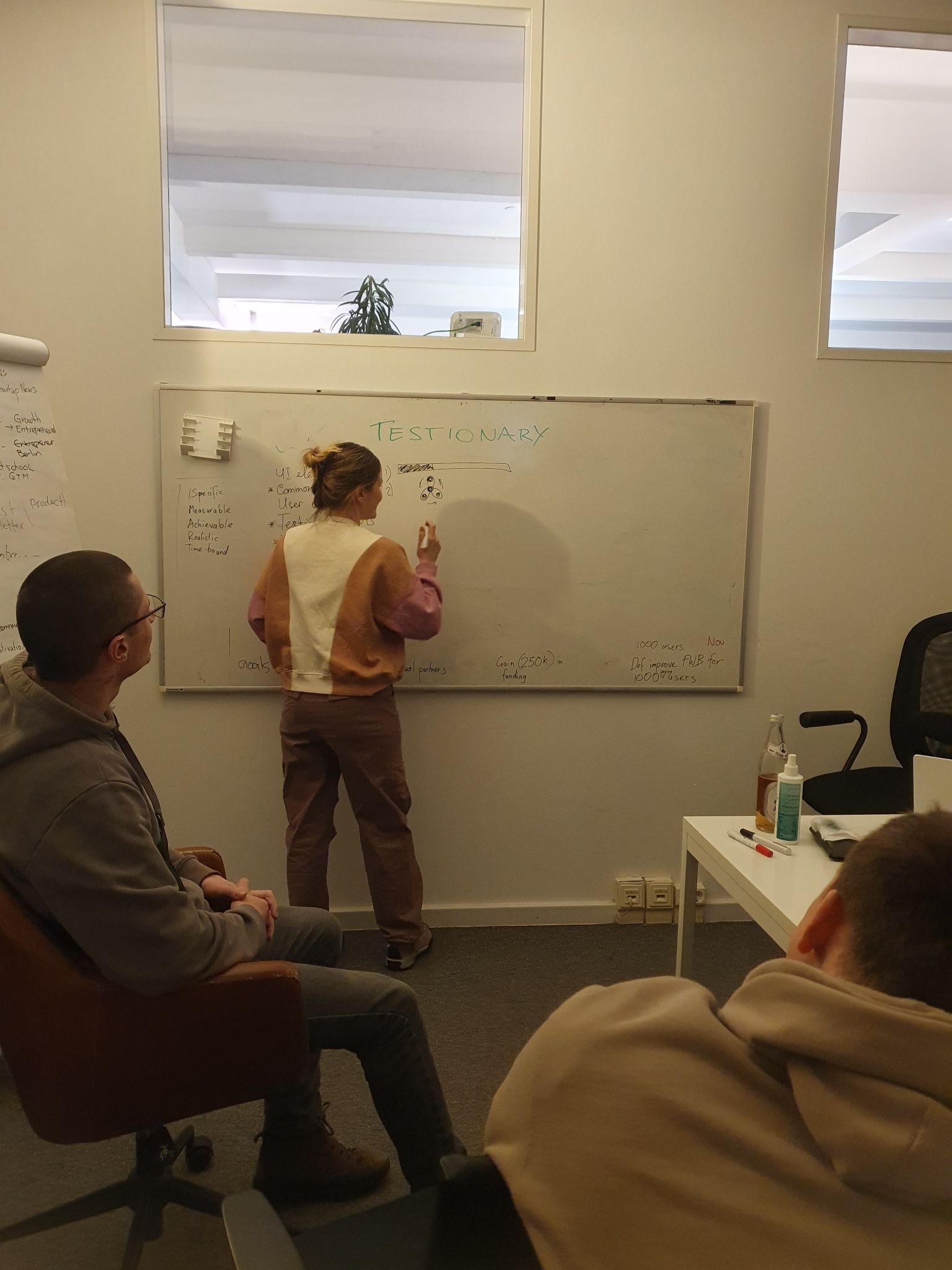
What you need to play
You will need a whiteboard and markers, sticky notes or scrap paper for writing words, and about 45 to 60 minutes. Snacks help more than you think. Drawing talent does not matter at all. Some of our best rounds came from the worst drawings.
Drawing makes your brain switch from logic to creativity. After a long sprint or a tough week, that switch feels good. It is hard to stay stressed when you try to draw a "blue screen of death" with a marker.
Not everyone likes being the centre of attention, and that is fine. Give shy players a job, ask them to keep score, or get them to hand out the words. They could hold up the sticky notes, anything really, but keep them involved. Once they see how bad everyone draws, most of them will grab a marker anyway.
You can use this for meetup icebreakers, team building, or onboarding new people. It also works after stressful sprints when everyone needs a break. Training sessions and retrospectives can get more energy from it, too.
Setting up the game
Split into 2 to 4 teams with 3 to 5 people each. Mix roles if you can. Developers, testers, and project managers on the same team make the guessing more interesting.
Each round, one person draws while everyone else guesses. First correct guess wins the sticky note. Everyone gets a turn to draw.
A few ground rules that worked for us:
- No letters or numbers (mostly)
- About 3 minutes per round
- Stuck? Wipe the board and start over
- When someone wins too much, make them draw next
We weren't strict about any of this. Sometimes people added tiny hints like ".jpg" or "404" to make things funnier. The point is energy, not enforcement.
Word categories and difficulty levels
Mixing easy and medium difficulty kept the game flowing. Everyone could win some rounds. This made it work for new developers and testing veterans in the same room.
Here are the categories we used:
| Category | Best for | Words and phrases |
| UI elements (easy) | Breaking the ice and helping people warm up | Checkbox, loading spinner, hamburger menu, toggle switch, dropdown menu, search bar, tooltip, progress bar |
| Common issues (medium) | Quickfire rounds that are still challenging | 404 page, broken link, blue screen of death, timeout error, infinite loading, connection lost, access denied, page crash |
| User actions (easy) | Getting people moving and engaged | Drag and drop, pinch to zoom, right click, copy and paste, swipe left, double tap, scroll down, long press |
| Testing concepts (medium) | Pushing the challenge a little further | Smoke test, edge case, regression bug, test coverage, flaky test, test data, happy path, boundary value |
| Fun scenarios / sayings (medium) | Keeping things light | "It works on my machine," Friday deployment, legacy code, password panic, "That's not a bug, it's a feature," rubber duck debugging, merge conflict Monday |
How we generated words fast
Before the event, I asked the LLM of my choice to help brainstorm. I typed this:
"Generate 15 Pictionary-style terms for a game about software testing. Divide them into five categories: UI Elements, Common Issues, User Actions, Testing Concepts, and Fun Scenarios. UI Elements and User Actions should be easy to draw. The rest should be medium difficulty. Keep the terms short and drawable.
UI Elements are visual interface components such as buttons, menus, or input fields. Common Issues should be recognisable problems that users or testers encounter, such as errors, crashes, or connection issues. User Actions should be simple gestures or interactions people do with software. Testing Concepts should be software testing terminology and practices. Fun Scenarios should be humorous situations that testers will recognise from their work experience.
Make sure each term is actually drawable and not too abstract."
This saved us hours and gave us way more ideas than we could have come up with on our own. With 15 words per round, you have plenty of options to choose from based on your group.
Want more rounds? Just type "give me another round" in the chat. You can even theme them to fit the season. Try asking "Can you give me some Halloween-themed ones?" or "Make these winter holiday-themed" for extra fun.
Tips for running the session
You can write words on the fly during the game. This lets you adapt based on what's working. Some words land perfectly with your group. Others fall flat. Writing them as you go means you can adjust quickly.
A few things that helped us:
- Start with easy words to build confidence
- Mix different job roles on each team
- Don't worry about perfect rules. Change them as you go
- Take photos of the funny drawings
- Have extra word ideas ready. Games move faster than you think
The drawings that made us laugh
Some art highlights from our chaos:
Legacy code:
Someone drew an older person with curly hair and glasses next to some coding symbols with dots and brackets.
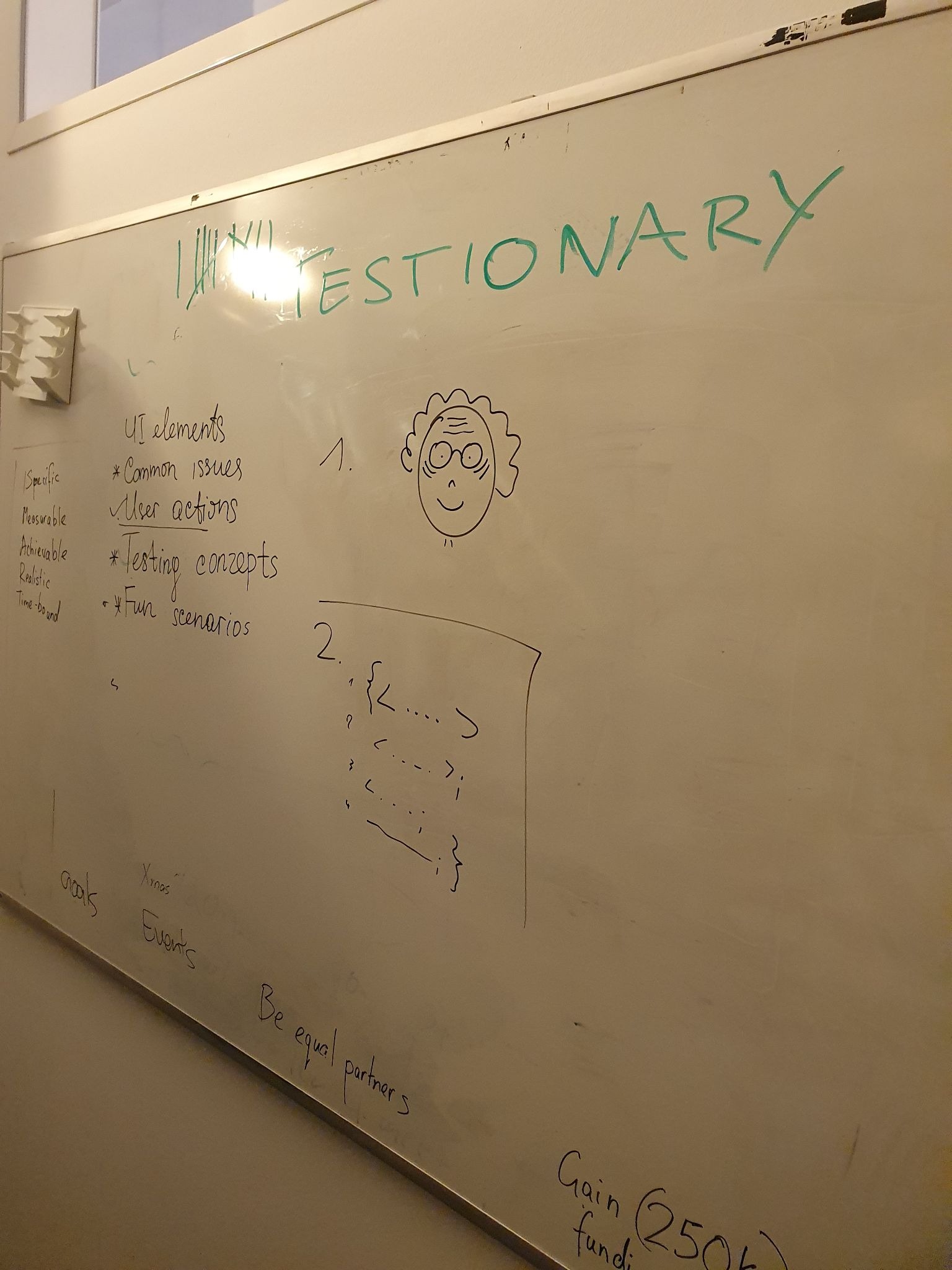
Password panic:
A stick figure pulling their hair out at a computer screen. We felt that pain.
"It works on my machine": A happy computer showing "100!" next to a sad stick figure staring at an "0%" screen. Classic tester pain captured.
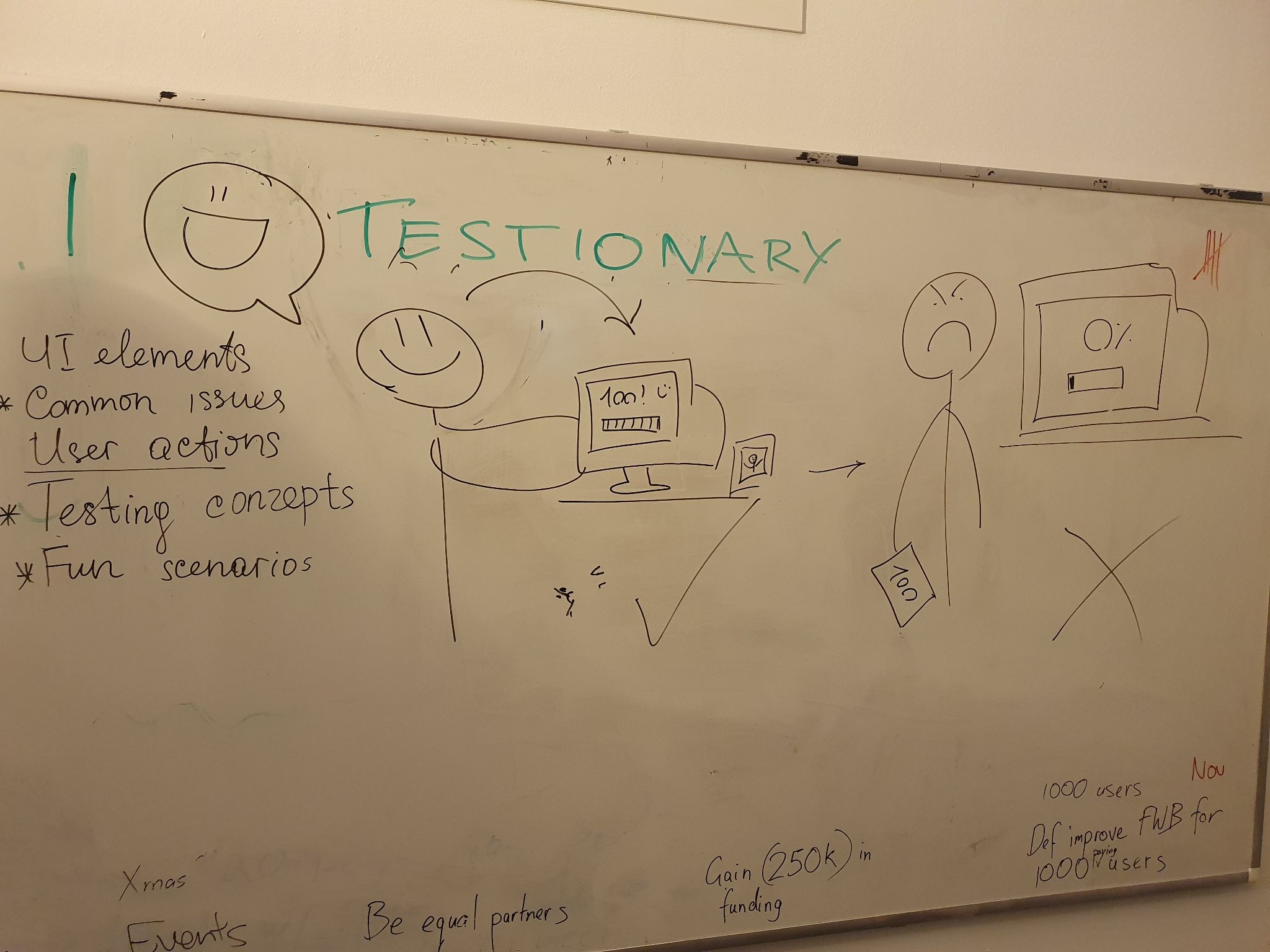
Captcha puzzle:
Three boxes that looked like distorted text fields with random letters. The squiggly "WSDD" and "espa" had everyone confused until someone finally yelled "Captcha!"
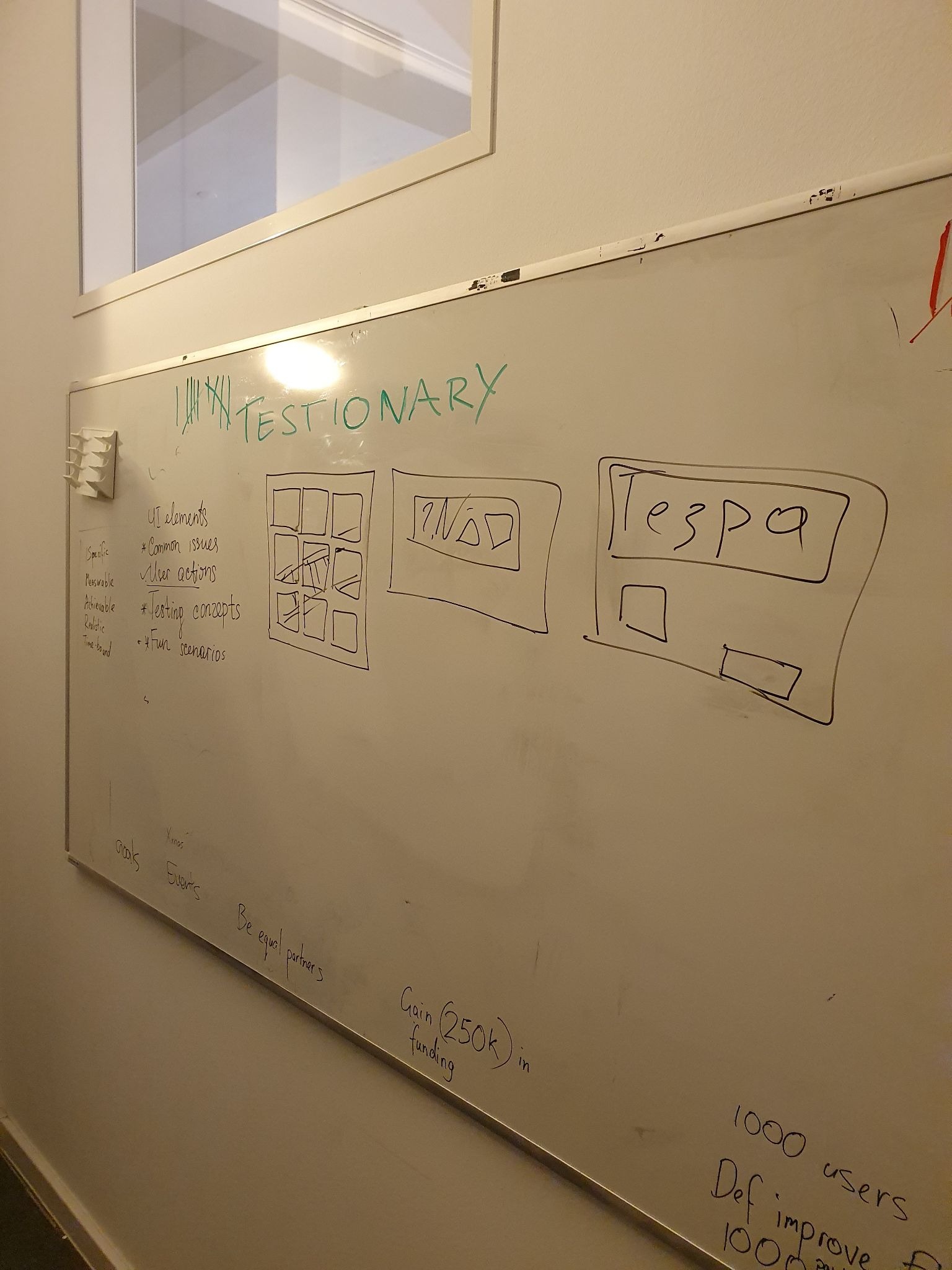
These drawings became memes in the coming meetups.
Why this actually works
Sure, we had a blast. But other things happened too:
Different roles connected. Developers and project managers had fun while picking up QA terms. They walked away knowing words they'd never heard before.
Learning happened naturally. People picked up testing words without knowing they were learning.
Stress went away. Everyone needed to laugh at something that wasn't a real bug.
Shy people opened up. Quiet attendees got excited when they guessed right.
One person told us, "This was my first time enjoying a session about test coverage." Another said: "I didn't know what a smoke test was before this, but now I'll never forget!"
For teams that work together, this game could help build stronger bonds. At our meetup, it helped people from different companies and roles connect over shared testing experiences.
Could this work remotely?
I haven't tried a Virtual Testionary session yet, but I think it could work with the right setup.
What you would probably need:
- Miro or Zoom Whiteboard for drawing
- Private chat to send words to the drawer
- Let everyone guess in chat or unmute
- Screenshots of the best drawings
The main challenge would be keeping the energy high without being in the same room. But the drawing chaos might be funnier when people can't see each other's reactions.
If you try this remotely, let me know how it goes. I'd love to hear what worked and what didn't.
To sum up
Testionary changed our usual "sit and listen" meetup into a "join in and laugh hard" party. People still talk about it weeks later. You don't need to draw well. You don't need to be a testing expert. You just need to show up ready to have fun with your team.
This doesn't have to stop with Pictionary. What if you turned Taboo into a game about testing? Or Charades? Or something completely new? The best community activities come from people taking an idea and making it their own.
Sometimes the best learning happens when you're laughing too hard to realise you're learning.

What do YOU think?
Testionary started as a simple experiment at one meetup. But games like this work best when people make them their own. Got thoughts? Drop them in the comments below. Use these questions as starting points.
Questions to discuss
- Have you tried anything similar with your team or at a meetup? How did it go?
- What do you think are the hardest or easiest testing terms to draw? Share your picks in the comments, or post a MoT Moment with your best drawing attempts.
- Do you have your own game or activity that teaches testing concepts? Share it with the community.
Actions to take
- Try a Testionary session with your team and tell us how it went.
- Create your own version of a testing game and share it with the MoT community.
- Take photos of your funniest drawings and tag Ministry of Testing.
one-page printable version
Testionary by Christine Pinto
Download the printable version here
A drawing and guessing game with software testing terms
WHAT IS IT?
One person draws a software testing term on a whiteboard. Everyone else guesses. No talking, no letters, no numbers. First correct guess wins the round.
Based on Pictionary (en.wikipedia.org/wiki/Pictionary), but with software testing vocabulary.
QUICK SETUP
- 2 to 4 teams, 3 to 5 people each (mix roles!)
- About 3 minutes per round
- Everyone gets a turn to draw
- First correct guess wins the sticky note
- No letters or numbers (mostly)
YOU NEED
- Whiteboard and markers (or online whiteboard tool)
- Sticky notes for words
- 45 to 60 minutes
- Snacks (trust me)
- Zero drawing talent
WORD CATEGORIES
| Category | Best for | Words and phrases |
| UI elements (easy) | Breaking the ice and helping people warm up | Checkbox, loading spinner, hamburger menu, toggle switch, dropdown menu, search bar, tooltip, progress bar |
| Common issues (medium) | Quickfire rounds that are still challenging | 404 page, broken link, blue screen of death, timeout error, infinite loading, connection lost, access denied, page crash |
| User actions (easy) | Getting people moving and engaged | Drag and drop, pinch to zoom, right click, copy and paste, swipe left, double tap, scroll down, long press |
| Testing concepts (medium) | Pushing the challenge a little further | Smoke test, edge case, regression bug, test coverage, flaky test, test data, happy path, boundary value |
| Fun scenarios / sayings (medium) | Keeping things light | "It works on my machine," Friday deployment, legacy code, password panic, "That's not a bug, it's a feature," rubber duck debugging, merge conflict Monday |
GENERATE MORE WORDS
Paste this into any LLM to get a fresh set of words:
"Generate 15 Pictionary-style terms for a game about software testing. Divide them into five categories: UI Elements, Common Issues, User Actions, Testing Concepts, and Fun Scenarios. UI Elements and User Actions should be easy to draw. The rest should be medium difficulty. Keep the terms short and drawable.
UI Elements are visual interface components such as buttons, menus, or input fields. Common Issues should be recognisable problems that users or testers encounter, such as errors, crashes, or connection issues. User Actions should be simple gestures or interactions people do with software. Testing Concepts should be software testing terminology and practices. Fun Scenarios should be humorous situations that testers will recognise from their work experience.
Make sure each term is actually drawable and not too abstract."
Want more rounds? Type "give me another round." Want a theme? Try "make these Halloween themed."
QUICK TIPS
- Start with easy words to build confidence
- Write words on the fly to adapt to your group
- Change the rules as you go
- Take photos of the drawings (they become inside jokes)
- Have extra word ideas ready (games move faster than you think)

Conference speaker on AI and Quality Leadership | Long-time tester | Building tools testers actually enjoy using | Join the quest to level up software quality
Comments