

I haven’t really set goals since 2022. I set themes instead.
2025 was about exploration. Saying yes to things I would normally avoid. Doing at least one thing every month that I’d usually say no t...

Reframe your testing from fixing bugs to understanding systems through small, deliberate habits that shape how you think and decide.
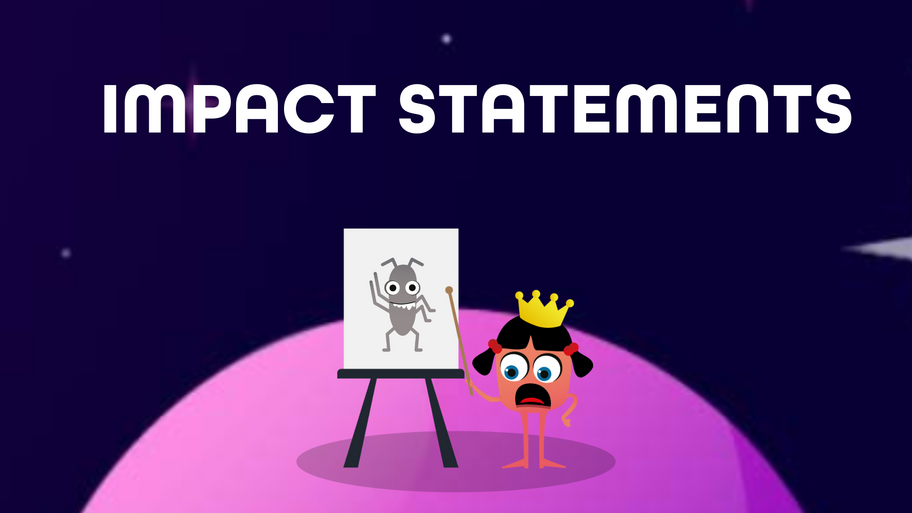
Impact statements describe the outcome of your work rather than the task you performed. Instead of listing what you did, they show what changed because you did it. They make your contribution clear, measurable, and easy for others to understand.Example:
Task: Created API test suite
Impact statement: Improved release confidence by reducing post-deployment API failures
The STAR model is a simple structure for explaining real experiences. It helps you tell a clear, focused story by breaking it into four parts:
Situation – The context or problem you were facing
Task – What you were responsible for
Action – What you actually did
Result – What changed because of it
Example:
Situation: A regression cycle kept slipping because no one trusted the test results.
Task: Improve the reliability of the suite.
Action: Identified the top flaky tests, stabilised them, and moved the suite into CI.
Result: The team cut regression time by half and stopped rechecking everything manually.





Build a test-first onboarding path that strengthens new testers’ observation, questioning, and risk-finding skills


Boost your career in quality engineering with the MoT Software Quality Engineering Certificate.

Solve stubborn bugs faster by breaking things on purpose, questioning your assumptions, and thinking your way to clarity.
A command-line search tool that finds patterns in text — short for Global Regular Expression Print. In simple terms: it hunts through files and tells you where the thing you’re looking for is hiding.

A debugging technique where you explain your code (and your confusion) out loud — often to an object, like a rubber duck. The magic: saying the problem forces your brain to slow down and reprocess the logic, and half the time you’ll spot the issue before the duck even blinks. How it works:
Pick your “listener” — a duck, a plant, a coffee mug, or a colleague who can tolerate monologues. I have a lot of friends on my table to listen to me, my fav - sleeping Pikachu.
Walk through your code line by line, explaining what it’s supposed to do.
Wait for the moment you realize what it’s actually doing.
Why it works: Turning thought into speech forces clarity. You can’t gloss over details when you have to articulate them — even to plastic.
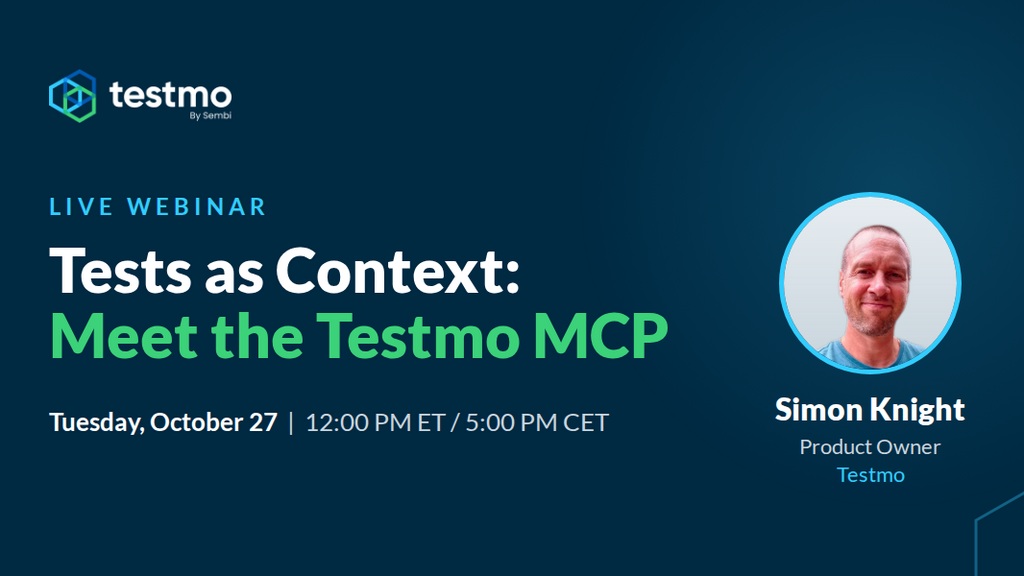
Your test cases are the context AI agents are missing. See how the Testmo MCP connects them in this free webinar.
Centralized execution, reporting and insights in one place.

With servers in >250 cities around the world, check your site for localization problems, broken GDPR banners, etc.
BearQ continuously tests your app, reducing test maintenance and uncovering gaps scripted tests can miss.
