Five practical ways to use AI as a partner in Quality Engineering
Use these structured prompting techniques to improve the quality and usefulness of AI output in testing workflows

“AI won’t replace Quality Assurance (QA), but a QA who learns to use AI effectively will replace those who don’t.”
As testers, most of us have spent the past year experimenting with ChatGPT, Claude, and other AI tools. Whether it’s generating test data, rewriting flaky selectors, or debugging automation scripts. But through all this experimentation, I noticed something important: AI can be more than a quick helper. With the right prompting techniques, it becomes a practical support tool that helps us analyse problems, explore alternative approaches, and uncover overlooked risks or areas we might otherwise miss.
In this article, I’ll share how I’ve used advanced prompting to integrate AI into real quality workflows: building stronger Cypress test suites, analysing flaky tests, refactoring old code, and creating a shared QA Prompt Library for my team and you all.
This article is organised around five practical use cases:
- Role-based and iterative prompting: How defining roles and constraints improves the quality of generated test code.
- Flaky test analysis and refactoring: Using AI to identify instability patterns and suggest targeted improvements.
- Prompt chaining for regression optimisation: Breaking large suites into clearer, faster, and more maintainable test packs.
- Production QA workflows: Real examples of how AI supports pre-release checks, reviews, and triage.
- The QA Prompt Library: Turning effective prompts into shared, reusable assets for a team.
Each example follows the same structure, role, context, constraints, output format and acceptance criteria (if required) to keep the approach consistent and easy to reuse.
1. Role-based and iterative prompting for test generation
Early on, I noticed that the quality of AI-generated test code depended entirely on how I framed my request. A vague prompt like "Write Cypress tests for login" often produced generic, unreliable scripts.
But when I shifted to role-based prompting, asking the AI to act as a Quality Automation Engineer with specific constraints, the results changed dramatically.
Before that, AI would often generate a single, large Cypress spec with little structure, minimal reuse, and generic assertions. It technically worked, but it required significant refactoring to be usable.
By defining a role and adding constraints, the output became much closer to how we actually write tests. The generated code included a clearer file structure, separate page objects, explicit hooks, and well-defined positive and negative flows. This made the tests easier to read, easier to review, and much easier to maintain over time.
After sharing this approach with my team, we found it worked consistently for others as well. That repeatability is what eventually led me to start collecting and standardising these prompts into a shared prompt library.
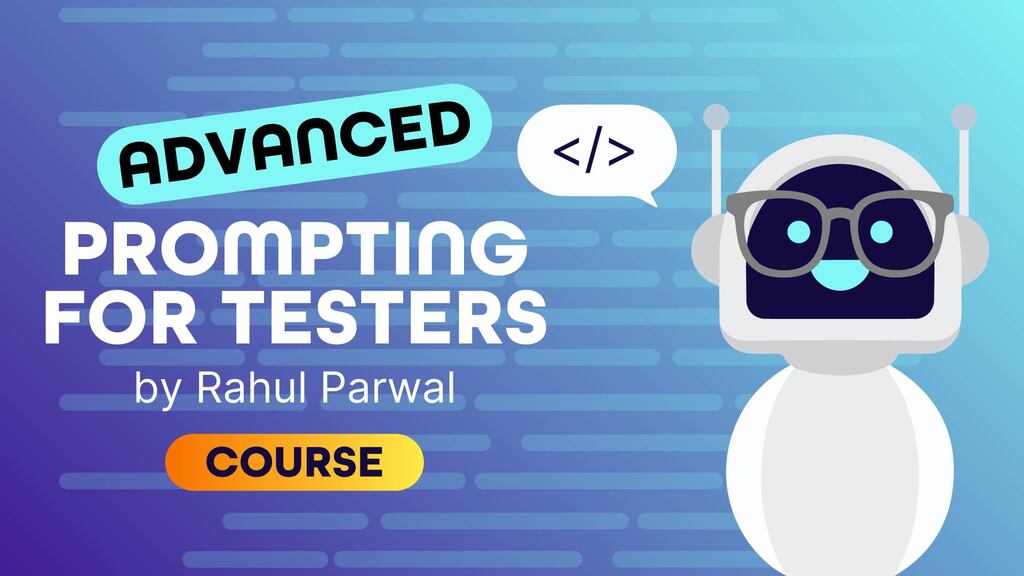
If you’re new to role-based prompting or want a deeper foundation, I would really recommend the excellent courses by Rahul Parwal:
What this looks like in practice:
Below is a simplified example of how I frame a prompt for test generation. The headings are how the prompt is broken down for clarity and understanding. The actual input can be adapted to your preferred format, context and circumstances.
| Prompt section | Content |
| Role | You are a senior Quality Automation Engineer who works with Cypress and the Page Object Model. |
| Context | Generate automated tests for a login feature based on the acceptance criteria provided below. |
| Constraints |
|
| Output format |
|
| Acceptance criteria | Users can log in using their email and password. Invalid credentials should display an error message. |
Result:
AI produced maintainable, modular tests with proper structure and consistent naming, something much closer to production-ready quality.
Next steps:
Using iterative prompting, I refined the prompts further, then incorporated self-critique prompting, asking AI to re-check coverage or refactor based on readability metrics. This approach mimics real quality collaboration and helps enforce standards.
2. Using AI tools for flaky test analysis and refactoring
Flaky tests are the silent productivity killers of every automation team. Instead of digging through logs, I started experimenting with AI to help analyse test failures and stability issues. Here’s another example I want to share:
| Prompt section | Content |
| Role | You are an experienced tester specialising in debugging flaky Cypress tests. |
| Context | You will analyse a failing Cypress test log to identify likely root causes and propose improvements for stability. |
| Constraints |
|
| Output format |
|
| Example input | A Cypress test log showing intermittent failures during the login flow, including timeouts and inconsistent element assertions |
Result:
Using the test log as input, AI identified unstable waits and selector issues, recommended switching to network-based synchronisation, and suggested isolating the login flow from unrelated tests. After applying these changes, flakiness in the regression suite dropped by 40% in the following sprint.
This doesn’t mean AI replaces human judgment. It accelerates the analysis phase and highlights blind spots we often overlook when debugging under time pressure. For my team, this approach still brings brilliant time value. If you are interested in seeing the repository of the whole solution, write about this in the comments, and I’ll share more about it in depth in my next article :)
3. AI Prompt Chaining for regression suite optimisation
When dealing with hundreds of regression tests, it’s easy to lose visibility over duplication, gaps, or outdated flows. To tackle this, I built prompt chains, sequences where one AI output feeds the next step.
| Prompt section | Content |
| Role | You are a Quality Engineer reviewing a large Cypress regression suite. |
| Context | Analyse an existing regression test suite to identify duplication, gaps in coverage, and outdated user flows. |
| Constraints |
|
| Output format |
|
| My three-step chain |
|
Result:
By chaining prompts, AI acts like a continuous improvement assistant, scanning patterns, comparing logic, and proposing optimisations based on context. We’ve used this to consolidate large Cypress suites into smaller, more efficient test packs, cutting execution time by 25%.
4. AI use case examples from production QA pipelines
Beyond test generation, AI has become part of our daily testing workflows, supporting analysis, review, and maintenance tasks.
| Prompt section | Content |
| Role | You are a tester supporting a product team during active development and release cycles. |
| Context | You work with acceptance criteria, pull requests, and failing regression tests daily and need faster feedback loops. |
| Constraints |
|
| Output format |
|
Here are a few practical examples of how this looks day to day:
- Pre-release validation: AI helps generate smoke test scripts from acceptance criteria.
- Code reviews: AI checks PR descriptions for missing test coverage.
- Bug triage: AI summarises regression failures and groups related issues by stack trace similarity.
- Refactoring sessions: AI assists in rewriting old test cases to align with updated frameworks.
Result:
Each integration started small with a single prompt and grew into a repeatable system. The real value comes from consistency: documenting what works, refining prompts, and sharing across teams.
5. The "QA Prompt Library" initiative
To make all this reusable, I built a shared QA Prompt Library for our team, a simple GitHub repository of categorised prompts.
It includes templates like:
- Generate end-to-end Cypress tests for X feature using Y pattern.
- Analyse flaky tests and output a ranked list of root causes.
- Summarise the API regression report by failure type.
Every prompt follows the same pattern:
Role → Context → Constraints → Output Format
This framework ensures quality and repeatability. New testers can use AI tools confidently immediately, without reinventing the wheel each time.
(GitHub link: https://github.com/dashatsion/qa-advanced-prompting)
To sum up: Evolving the testing mindset
Becoming effective with AI isn’t about learning new tools. It’s about learning to think differently.
When we seek to teach AI how to think like a tester, we sharpen our own reasoning and gain a deeper understanding.
Instead of starting with “what test should I write,” I now start with “what problem am I trying to understand or solve?” Prompting pushed me to think more deliberately about risks, assumptions, and trade-offs before jumping into implementation.
This shift changes the tester's role from one who primarily produces test artefacts to one who actively shapes their quality thinking. As AI tools become more capable, the real value will come from how well we frame problems, guide analysis, and interpret outcomes, not from how fast we generate code.
For me, advanced prompting is now a mirror for how I analyse problems. It forced me to clarify assumptions, define constraints, and communicate intent. The same core skills that define great testers.
Key takeaways
- Treat AI as a partner, not a shortcut.
- Use role-based, iterative prompts to improve automation coverage.
- Apply prompt chaining for large-scale regression optimisation
- Build a prompt library to scale knowledge within your team.
- Reflect on how prompting improves your test-design thinking.
What do YOU think?
Got comments or thoughts? Share them in the comments box below. If you like, use the ideas below as starting points for reflection and discussion.
Questions to discuss
- How are you currently using AI in your testing workflows beyond simple test generation?
- Have you tried using role-based prompts or constraints to improve the quality of AI-generated tests?
- What challenges have you faced when dealing with flaky tests or large regression suites, and how has AI helped you to deal with those?
- Do you share prompts or AI practices within your team today? If not, what’s stopping you?
Actions to take
- Review one existing test or prompt and rewrite it using a clear role, context, constraints, and output format.
- Pick a flaky test and experiment with using AI to analyse logs, identify likely root causes, and suggest stabilisation improvements.
- Try prompt chaining on a small part of your regression suite to identify duplication or gaps before scaling further.
- Document one prompt that worked well for your team and share it as a reusable template.
- Reflect on how adding structure to prompts influences your test design decisions and team conversations.

Head of QA with 11+ years of experience in building QA processes, leading teams, and driving test automation. Passionate about AI in QA, process optimization, and leadership in quality.
Comments