Activity (50)
Course (40)
Glossary Term (1030)
Insight (765)
Certification (91)
Collection (313)
Session (2327)
Moment (7135)
Newsletter Issue (359)
News (412)
Link (4230)
Solution (81)


Definition: A database designed to store and query values recorded over time, where each value is tied to a timestamp. It is commonly used to hold metrics such as request counts, error rates and response times.
So what? It is where observability metrics live, which makes it possible to chart how a system behaves over minutes, hours or days and spot when something changes.
Example: Storing the number of failed checkout requests every few seconds so a team can see whether errors rose after a release.

Definition: A browser metric that measured the delay between a user's first interaction with a page and the moment the browser could begin handling it. It was replaced by Interaction to Next Paint (INP) as a Core Web Vital in 2024.
So what? Because it covered only the first input, it could miss slow responses later in a session, which is why INP replaced it.
Example: A page that responds quickly to the first click but becomes sluggish once more scripts load would score well on FID yet still feel slow to use.

Definition: A set of browser metrics defined by Google to describe a page's user experience in terms of loading, responsiveness and stability. The current set is Largest Contentful Paint (LCP), Interaction to Next Paint (INP) and Cumulative Layout Shift (CLS).
So what? They give teams a shared, user-focused set of questions to watch when observing how a site behaves in real browsers.
Example: A team dashboard tracking LCP, INP and CLS for the checkout pages so that a slowdown after a release is spotted quickly.

Definition: A browser metric that measures how long it takes for the page to visually update after a user interacts with it, such as a click, tap or key press. It is the responsiveness signal within Google's Core Web Vitals.
So what? It shows whether a page feels responsive to the person using it, across their interactions rather than just the first one.
Example: A user taps "Add to basket" and the button takes nearly a second to show any change because the browser is busy running scripts.

Definition: A browser metric that measures when the largest visible piece of content on a page, such as a hero image or main heading, appears for the user. It is the loading signal within Google's Core Web Vitals.So what? It answers a simple question from the user's side of the screen: when does the main content actually show up? This makes it a useful signal for observing loading performance in real browsers.Example: A product page where the main product photo takes four seconds to appear because it was uploaded at full resolution.


Talent debt accrues the same way that technical debt does. But the difference with talent debt is that the skill half-life is shrinking substantially. Back in the day, you could go and get a job as a Java engineer and work for 20 years doing Java programming and be okay. But now what we're seeing is that the pace of change is going so fast that the half-life of how long those skills stay relevant is shrinking substantially.What you get is this skill compression, which then forms into talent debt. A lot of companies are experiencing it now where all of a sudden this race into AI, they look at what they have on the bench and say, "Oh my goodness, we've got nothing even close to what we have to do here."They have two options then. One is either try to reskill who you have already. Upsides are that you get to keep the strong domain knowledge of the individuals within your team, understand strong system knowledge, and it's good to invest in your people.The flip side is to try to hire it out. It's faster, but you don't have the domain knowledge, you have ramp time, and you have the the risk of putting the wrong butt in the wrong seat. All of that compounds into this concept of talent debt, which is very similar to technical debt.


Clickjacking is a cyberattack where a malicious attacker tricks an authenticated user by placing a transparent layer over a link or button to take you to a fake site embedded inside the real one or to authorise an action that could cause you harm.

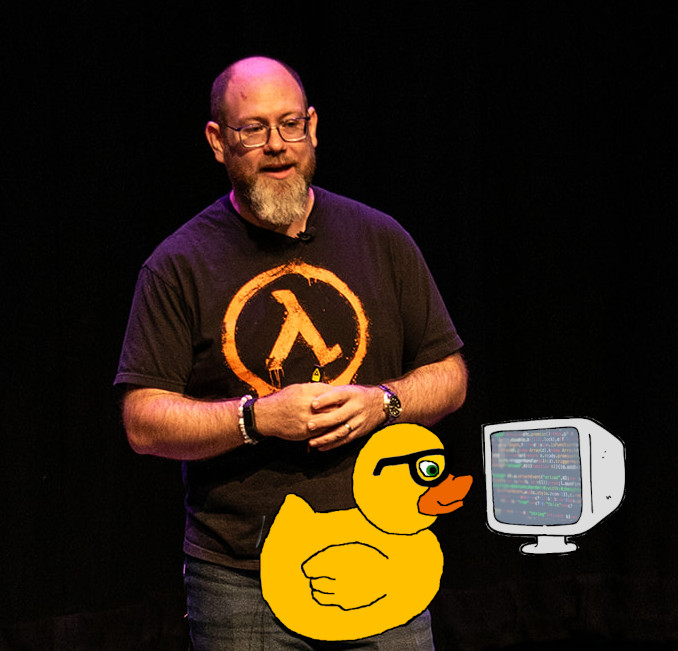
"First we borrow the idea of personas from exploratory testing. We build a suite of different personas that represent different elements of our user base. We use those personas to build automated persona driven testing. This takes our well-defined personas and uses them to guide an LLM to act like those users. On top of that, you feed the persona a goal and set it run against your chat interface until it achieves its goal, or x turns have completed."So what? A few hand-written prompts only cover what the author thought of; synthetic personas generate conversations closer to the creative, messy ways real users behave, broadening coverage of an AI product. Synthetic inputs are a supplement to real ones, not a replacement.Examples: Defining an impatient persona who gives only half the information and switches topic partway through; running one persona with the goal of booking a refund until it succeeds or hits ten turns.

"A curated set of inputs, each with the expected behaviour or reference answer that your team has agreed represents good. You run the system against it, score the results (with code, judges, humans, or a mix) and get numbers you can compare release over release."So what? When you cannot define a single correct response, a golden dataset gives a stable baseline to tell whether a change (a new model, an edited prompt, altered retrieval) improved things or made them worse. Examples: Building a few hundred cases from production traces, support tickets and expert-authored hard cases, tagged by category so results can be sliced; holding back a portion of cases so prompt tuning does not overfit to the whole set.

Contextual practice is an antonym of best practice. Best practice would suggest there's only one best way to achieve an outcome, goal or something. On the other hand, contextual practice welcomes approaches from several different sources and chooses what to do with that information for its own particular context (situation). Contextual practice attempts to be aware of its biases and seeks to only be inspired by other so called best practices yet isn't ruled by them.For example, rather than adopting the test automation pyramid by default, a team building a content-heavy website draws on several testing models and its own incident history, then weights its tests towards integration and visual checks because that's where its real risks lie.
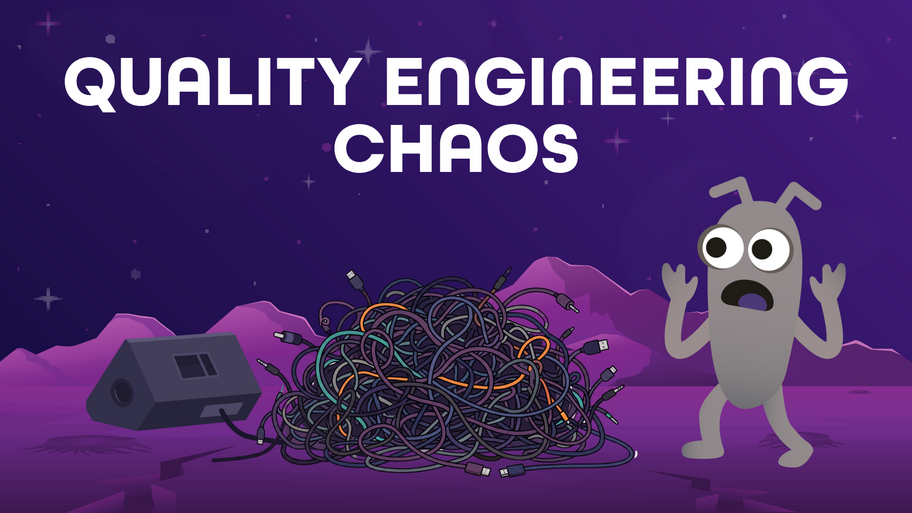

Definition: The confusion, frustration, and unproductive extra activity that arises when an organisation adopts Quality Engineering (QE) by renaming roles and introducing new practices without redesigning the surrounding system of workflows, incentives, decision rights, and ownership.So what? QE transformations often struggle not because teams lack skill or commitment, but because the promise of QE (shared ownership, faster feedback, delivery confidence) meets a reality of unclear ownership, growing automation backlogs, and recurring problems when the system around the roles has not changed.Examples: Testers are renamed Quality Engineers yet are still brought in late in delivery, so their influence over quality does not grow; automation coverage increases while delivery confidence stays flat and maintenance costs rise; dashboards are reviewed regularly but the same problems keep recurring because no decisions follow.

A wicked problem is a problem that lacks a definitive formulation, a clear stopping rule, and an objectively correct solution.
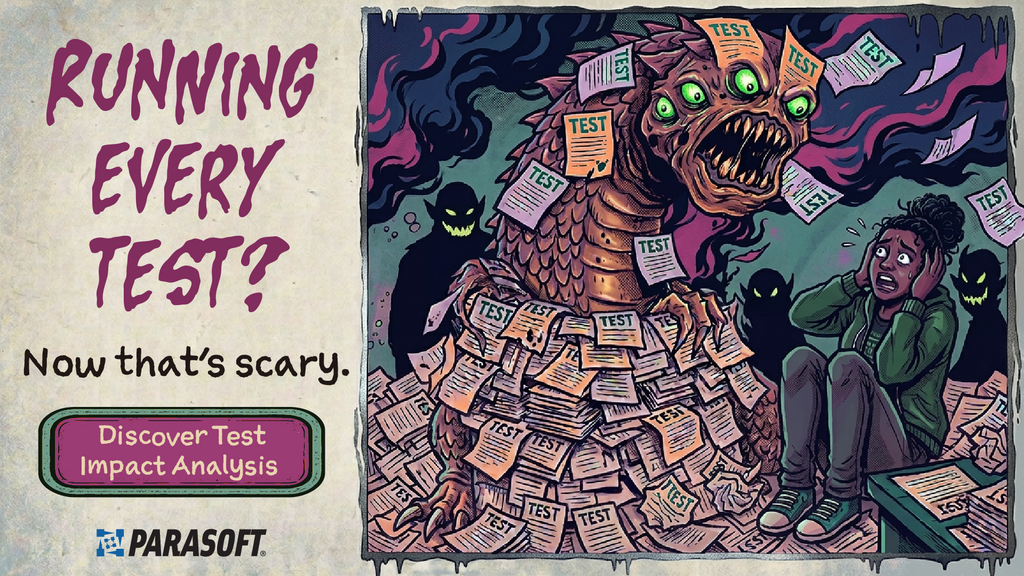
Run only tests impacted by code changes. Get feedback faster.
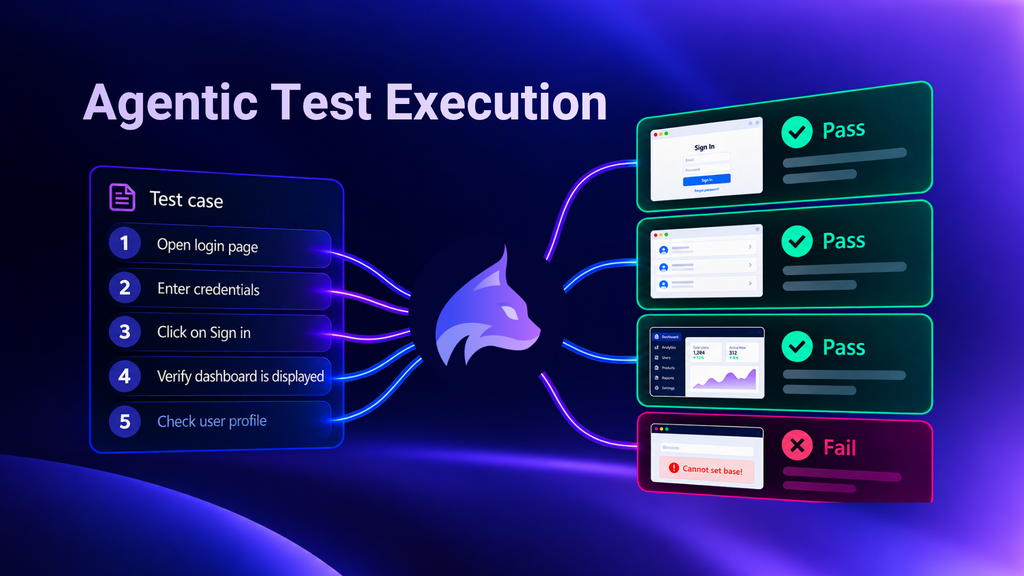
Lynqa executes your existing tests as written, no scripts or rewrites. Review step-by-step evidence. Start free.

There are countless ways to show up and contribute. Which one will you try today?
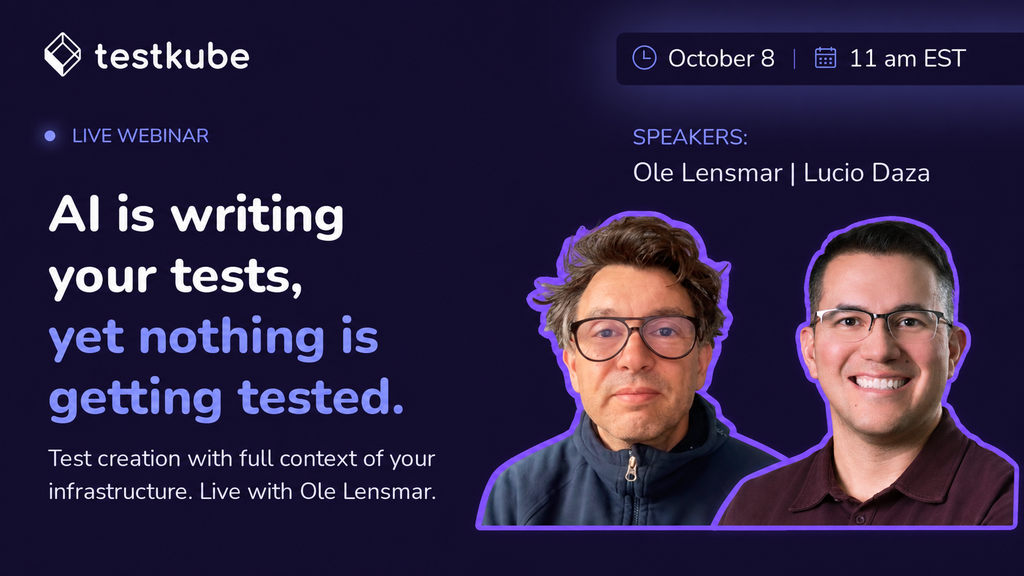
Getting tests that catch real failures is the hard part. Watch the recording now on demand!
