Hanisha Arora

Hanisha Arora
Advocating Products @GreyB
Exploring the distance between how we plan and what we build
🎂 MoTaBirthday | April 30, 2022
Open To
Write
Speak
Podcasting
Work
Tool Demos
On the 15th of January 2026 myself and Ujjwal Kumar Singh joined a call and pressed record. We were curious to see what would happen. A few weeks later I’d done the same with Neil Taylor and Clare ...
6 Jul
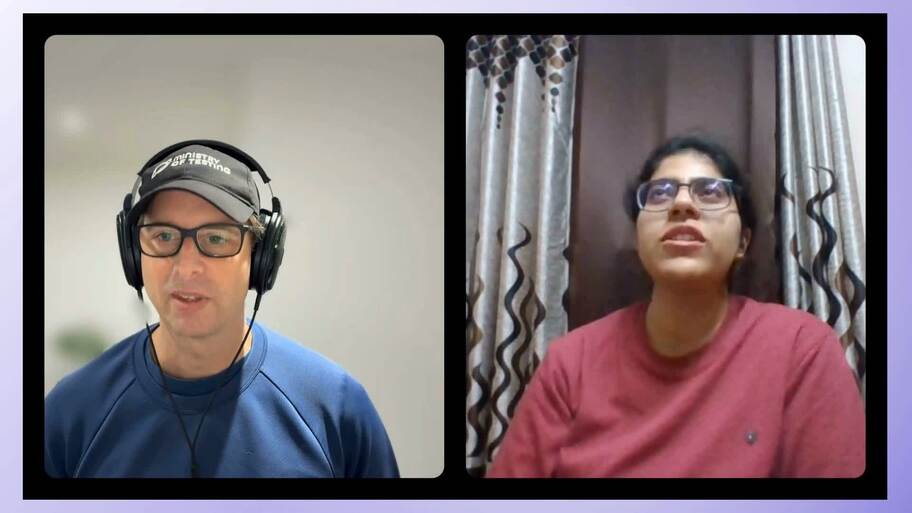
Hanisha Arora shares a real-life example of an AI workflow. It sounds cool!
It got me thinking that we need more examples of AI workflows. Do share when you find them.
17 Feb
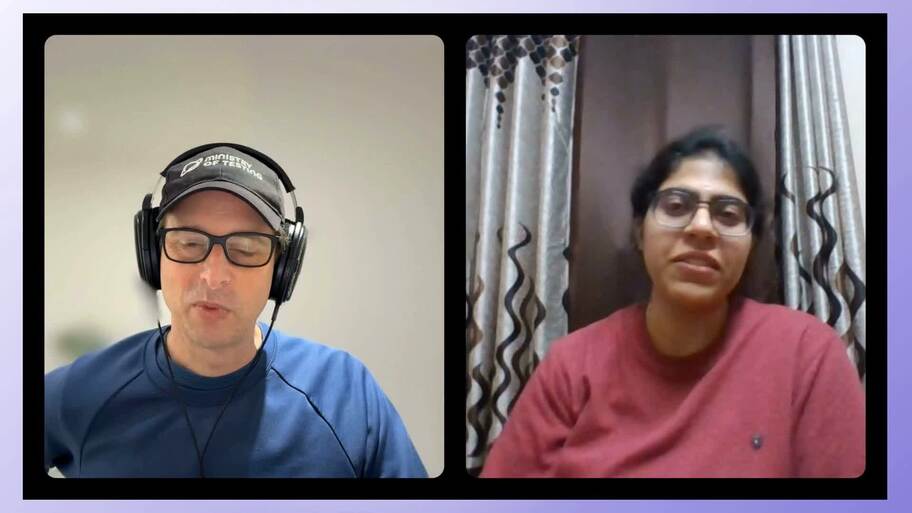
Hanisha shares an essential reason to write and keep writing.
13 Feb
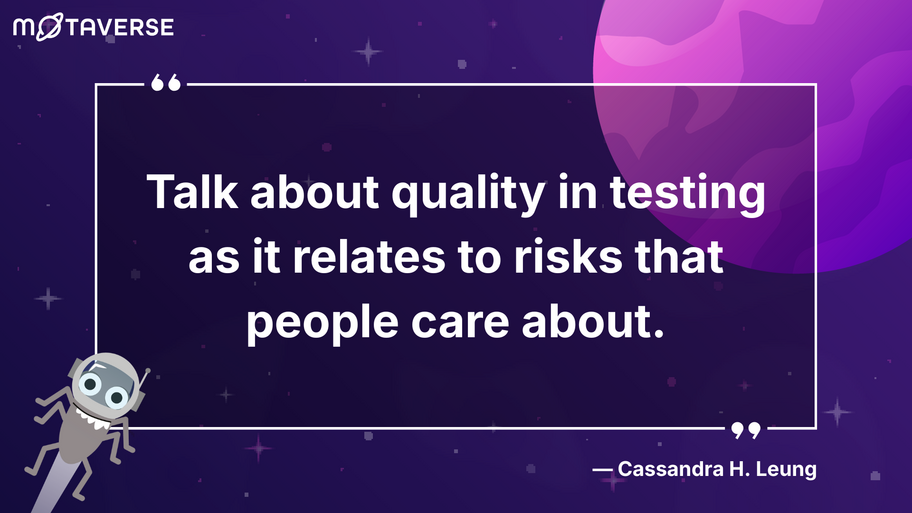
Cassandra H. Leung shares the following in Module 4, Lesson 4 of the Software Quality Engineering Certificate (SQEC).
"One thing that people can start doing straight away is to talk about qualit...
28 Jan
Testing earlier pays off when it means questioning earlier too.
23 Jul

AI's impact on quality generalists vs quality specialists
11 Feb
Strengthen your functional testing with technical tools that uncover hidden issues and speed up debugging
20 Aug
Explore the differences between them and learn how to use both to enhance problem-solving in software testing
6 Mar
Individual contributor
An Individual Contributor (IC) is a role where your impact mainly comes from doing the work yourself, not from managing other people. A simple way to think about it:An IC is like a senior person on the team who still builds things. They may review work, help others, or influence decisions, but they are not responsible for running the team.In Quality Engineering, an IC might:
Test or investigate issues
Improve tooling or checks
Review work and point out risks
They create impact mostly through their own work and judgment, not through people management.
Impact statements
Impact statements describe the outcome of your work rather than the task you performed. Instead of listing what you did, they show what changed because you did it. They make your contribution clear, measurable, and easy for others to understand.Example:
Task: Created API test suite
Impact statement: Improved release confidence by reducing post-deployment API failures
Star Model
The STAR model is a simple structure for explaining real experiences. It helps you tell a clear, focused story by breaking it into four parts:
Situation – The context or problem you were facing
Task – What you were responsible for
Action – What you actually did
Result – What changed because of it
Example:
Situation: A regression cycle kept slipping because no one trusted the test results.
Task: Improve the reliability of the suite.
Action: Identified the top flaky tests, stabilised them, and moved the suite into CI.
Result: The team cut regression time by half and stopped rechecking everything manually.
grep
A command-line search tool that finds patterns in text — short for Global Regular Expression Print. In simple terms: it hunts through files and tells you where the thing you’re looking for is hiding.
Rubber Ducking
A debugging technique where you explain your code (and your confusion) out loud — often to an object, like a rubber duck. The magic: saying the problem forces your brain to slow down and reprocess the logic, and half the time you’ll spot the issue before the duck even blinks. How it works:
Pick your “listener” — a duck, a plant, a coffee mug, or a colleague who can tolerate monologues. I have a lot of friends on my table to listen to me, my fav - sleeping Pikachu.
Walk through your code line by line, explaining what it’s supposed to do.
Wait for the moment you realize what it’s actually doing.
Why it works: Turning thought into speech forces clarity. You can’t gloss over details when you have to articulate them — even to plastic.
Comments
(3)
Call for Insights turns 45
This is going pretty amazing!!
Can testing cope with the speed of development?
It was supercool to have talk with you Simon. Thanks for having me on!
Explain your job as poorly as possible!
I hand myself problems beyond me, then cry like it’s someone else’s fault.




Not registered for any upcoming events
Learner completed your lesson
15.1.0 of MoT Software Testing Essentials Certificate
Community Star
6 days ago
Learner completed your lesson
11.6.0 of MoT Software Testing Essentials Certificate
Community Star
7 days ago
Learner completed your lesson
5.2.0 of MoT Software Quality Engineering Certificate
Community Star
7 days ago
Learner completed your lesson
5.2.0 of MoT Software Quality Engineering Certificate
Community Star
7 days ago
Learner completed your lesson
4.4.0 of MoT Software Quality Engineering Certificate
Community Star
7 days ago
